



Funksystem wM-BUS T/S-Mode
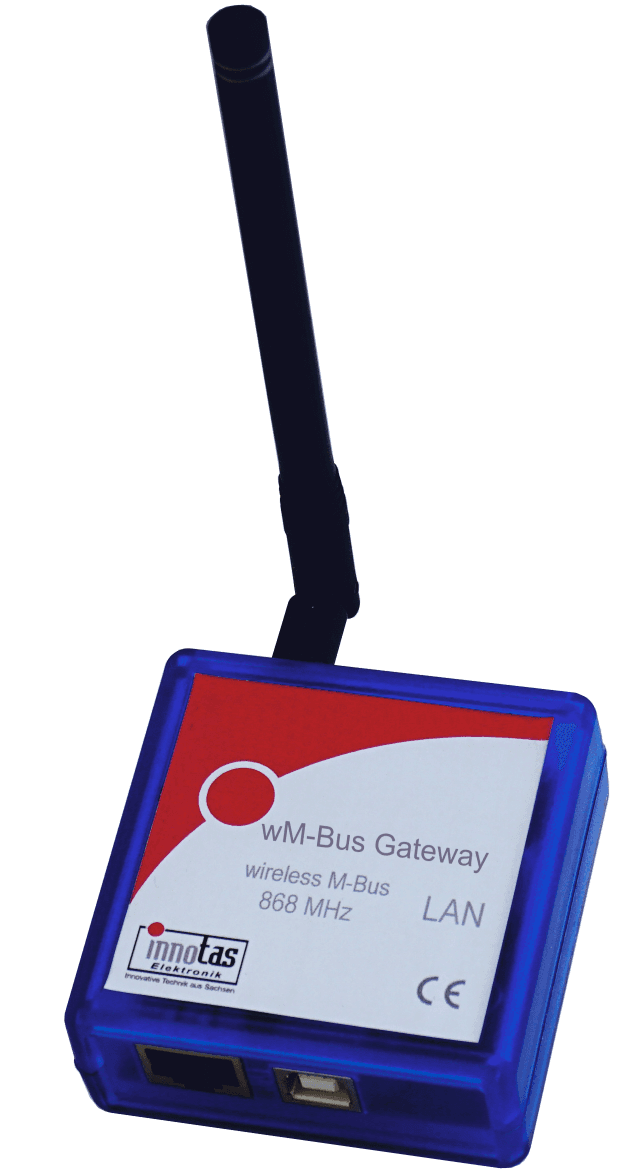
wM-BUS Gateway
The wM-Bus Gateway receives wireless M-Bus protocols in T/C/S mode, filters them as needed, stores them temporarily, and sends them to a server via an IP connection.
The gateway does not have a mobile data connection. It only uses existing networks. The gateway is particularly suitable for stationary reception of wM-BUS protocols using an existing internet connection. Internet routers are usually already in place. In most cases, no changes need to be made to the router settings.
Simply plug the gateway into the router's USB port (optionally with a USB power supply) and connect it to the router with a network cable.
The gateway can optionally be parameterized via a website, USB interface or via the wM-BUS gateway server.
The received wM-BUS protocols can be pre-filtered in the device by manufacturer, medium code and/or by individual IDs.
The gateway sends the received and filtered data to the server either immediately, hourly, daily, or monthly.
The free "wM-BUS to TCP Gateway Server" can be used as the server, or an application developed by the user.
wM-BUS Thermometer
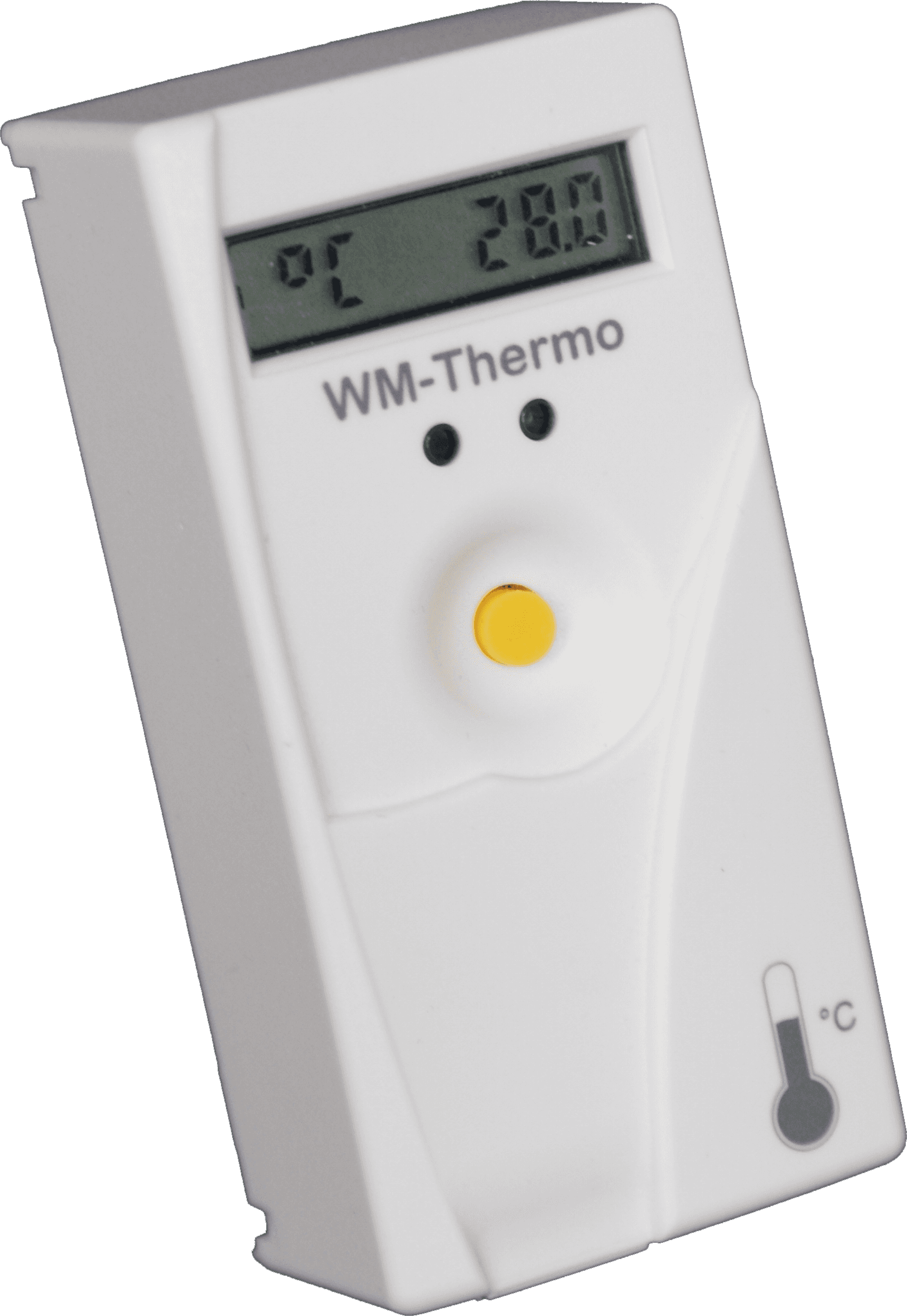
The
WM-THERMO
This is a two-sensor device with a room sensor and a wall sensor. The wall sensor can be configured as a remote sensor. The measurement interval is one minute, the measuring range is 0-110°C, and the display range is 0.00-99.99°C.
In addition to the current temperature, the daily maximum and minimum values are also determined and displayed. The displayed and transmitted measurements are accurate to two decimal places.
The
WM-THERMO
It can be operated with either a room sensor or a wall sensor. It comes with an optical interface. The W-MBUS protocol according to DIN EN13757-4 in T1 or S1 mode is used as the wireless protocol. The transmitted data can be encrypted using AES128 according to the OMS standard.
Some key facts:


2-sensor

Sabotage detection

Adjustable transmission interval

Measuring range 0-110°C

Display 0.00-99.99°C

Duration 10 years

optional with remote sensor

optical interface for parameterization

AES 128 encryption

Version with and without button. Activated via button.
Documents / Software:

Datasheet

LoRa Setup Tool
Activation App Android