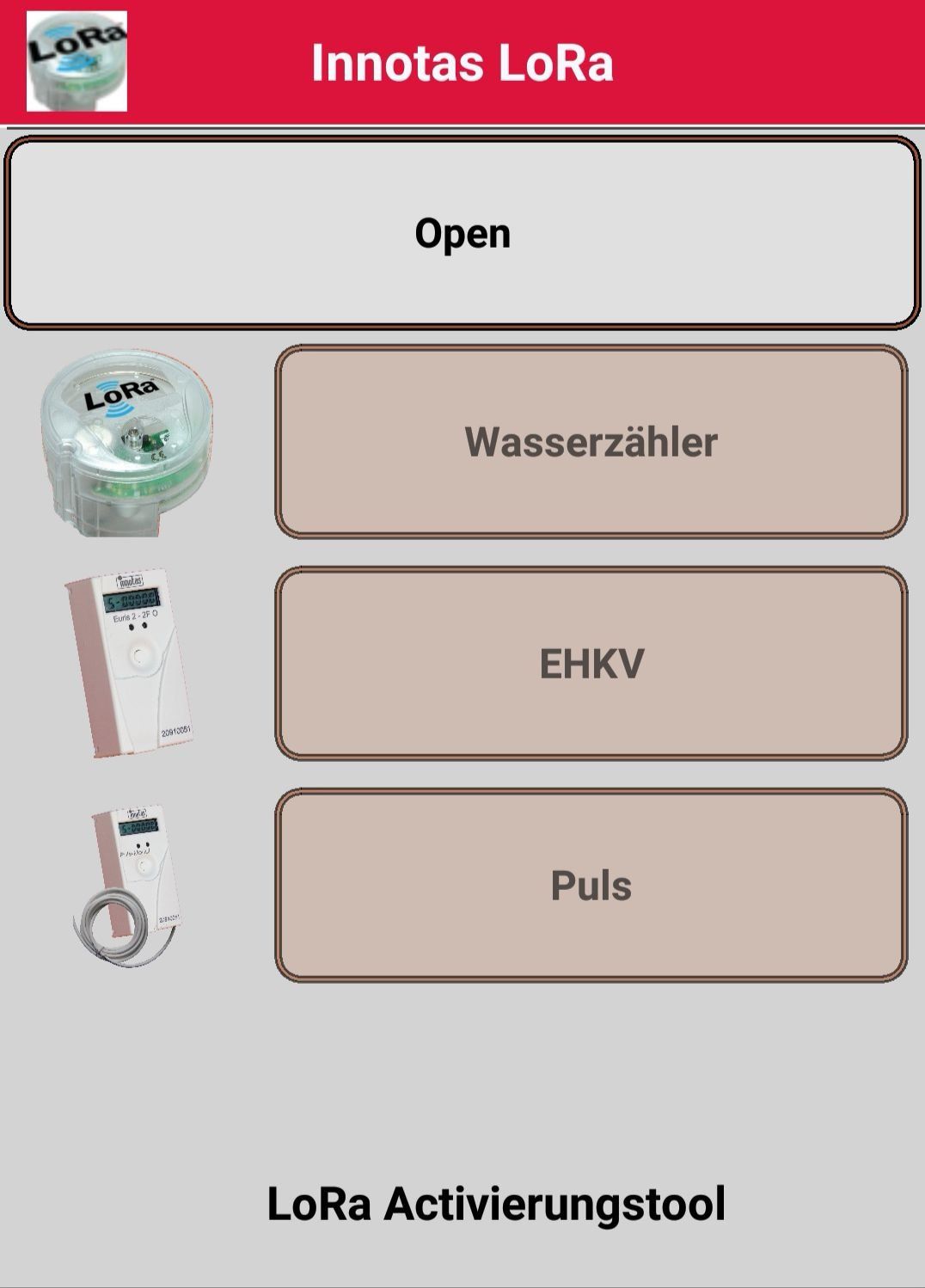
Activating radio devices during installation and commissioning involves initiating communication. Depending on the settings, the device attempts to connect to the server via a JOIN. Since the normal transmission intervals are quite long, waiting for a successful connection is impractical during the actual installation and activation process. For this reason, all our LoRa devices have a commissioning mode. In this mode, all protocols are sent at a significantly shortened interval of 2 minutes. After 255 protocols, the system automatically switches to the operational interval. Activating the EHKV or the PULS module is simple: the devices can be taken out of storage and transport mode by pressing and holding the button. For the water meter, which does not have a button, activation is only possible via a command through the optical interface. As a kind of emergency activation, automatic activation after detecting a certain amount of water flow can also be used. This typically does not occur during installation, and the installer cannot intervene on-site. All devices can be activated via the optical interface with an activation command. All that is needed is an ANDROID mobile phone with an OTG-capable USB interface and a standard optical head in conjunction with the ANDROID activation tool.
- ANDROID Mobile Phone
- OTG interface
- USB adapter from USB-C/µUSB to USB-A female
- Standard optical head