wM-BUS to TCP Gateway Server

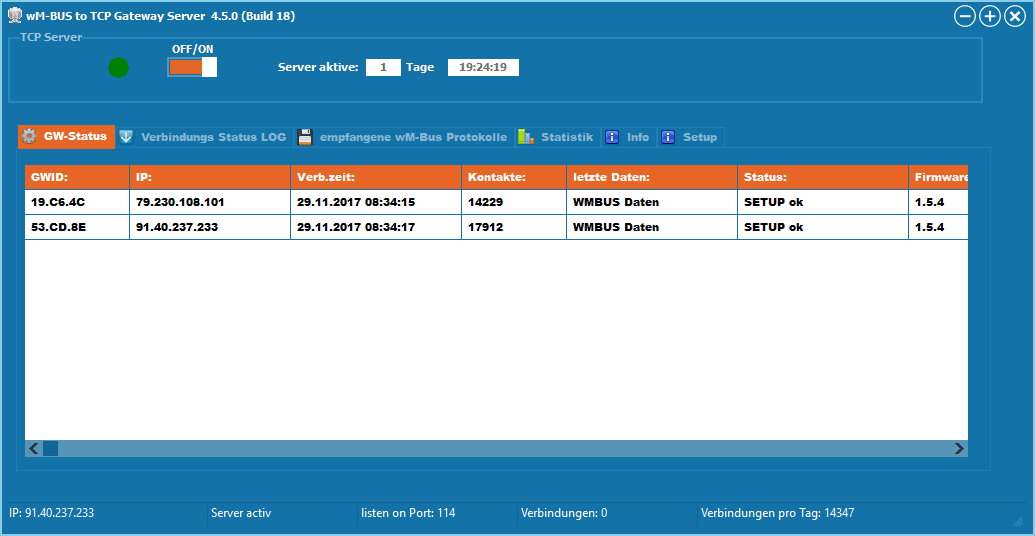
The wM-BUS Server is a Windows PC program that serves as a communication hub for the wM-BUS Gateways. The individual gateways can be configured from the server or, if necessary, updated with new software.


The received wM-BUS data is stored either in CSV files or in a MySQL database. Communication between the gateways and the server is AES128 encrypted.
The wM-BUS protocols are not decrypted or interpreted before being saved.

The management, decryption, and processing of this received wM-BUS data can be handled by the Meter Device Commander take over.


  • No cloud required
  • no hidden costs
  • The software is free.
  • The protocol can be easily integrated into your own applications.
  • encrypted communication
  • Connection to MySQL DB possible
  • Remote firmware update and parameterization of the gateways is possible.
  • Reading external RAW data (from other manufacturers' gateways) into the DB, for subsequent processing by the decoder.


Flyer
Flyer/Instructions
wM-BUS Gateway
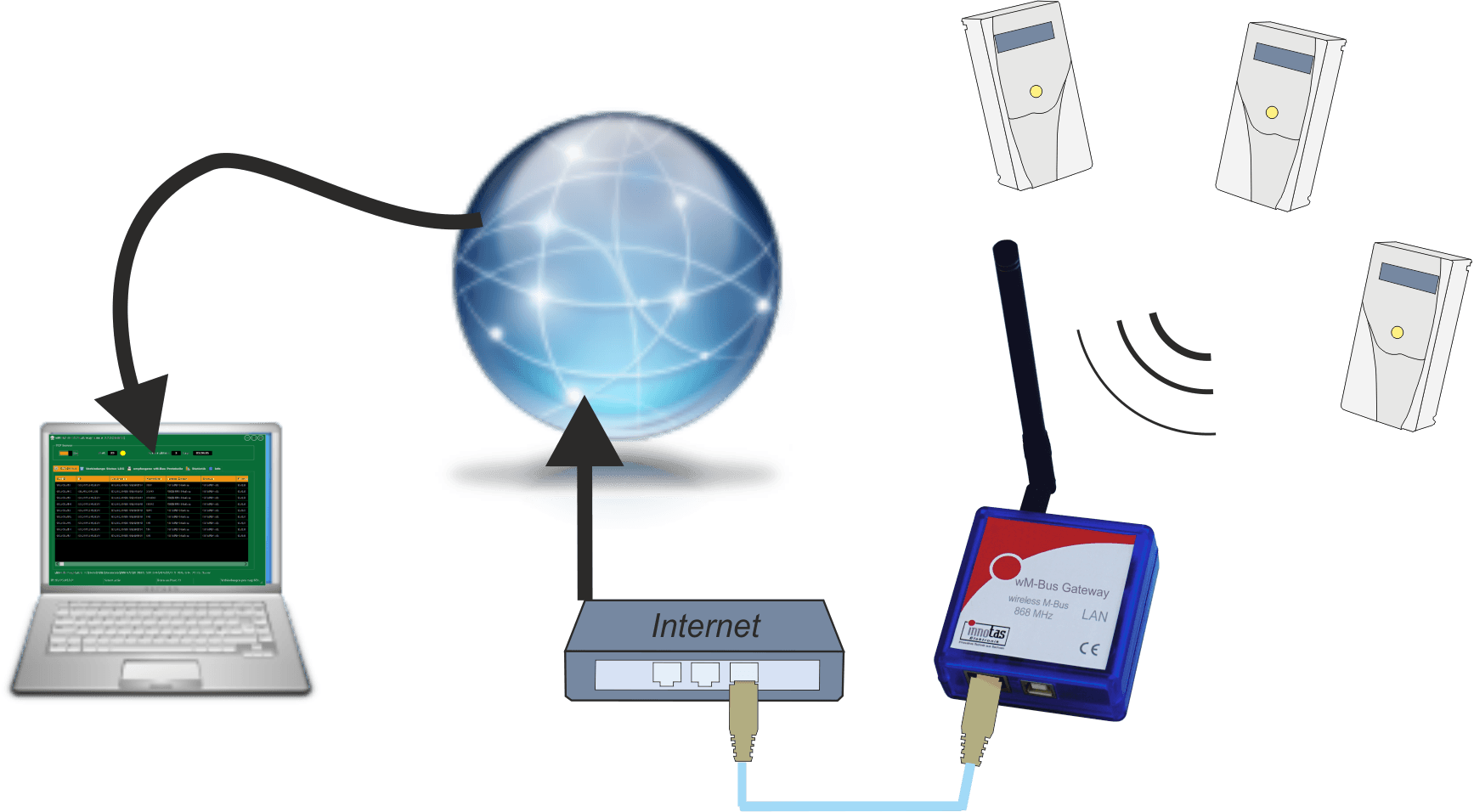
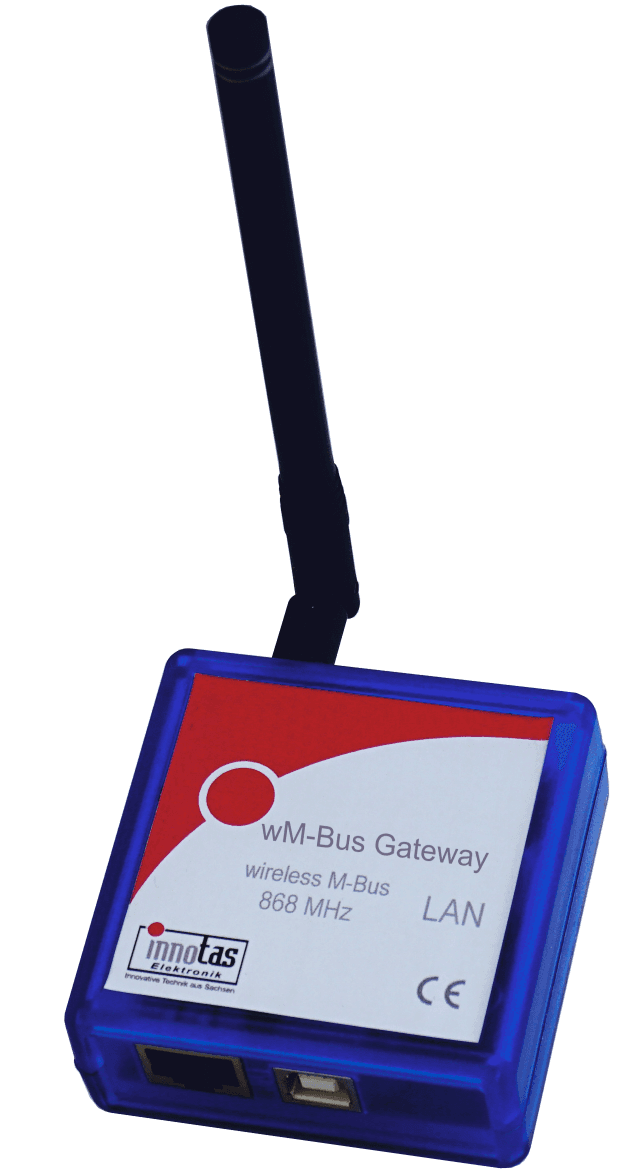
The wM-Bus Gateway receives wireless M-Bus protocols in T/C/S mode, filters them as needed, stores them temporarily, and sends them to a server via an IP connection.

The gateway does not have a mobile data connection. It only uses existing networks. The gateway is particularly suitable for stationary reception of wM-BUS protocols using an existing internet connection. Internet routers are usually already in place. In most cases, no changes need to be made to the router settings.
Simply plug the gateway into the router's USB port (optionally with a USB power supply) and connect it to the router with a network cable.

The gateway can optionally be parameterized via a website, USB interface or via the wM-BUS gateway server.
The received wM-BUS protocols can be pre-filtered in the device by manufacturer, medium code and/or by individual IDs.
The gateway sends the received and filtered data to the server either immediately, hourly, daily, or monthly.
The free "wM-BUS to TCP Gateway Server" can be used as the server, or an application developed by the user.