wM-BUS to TCP Gateway Server

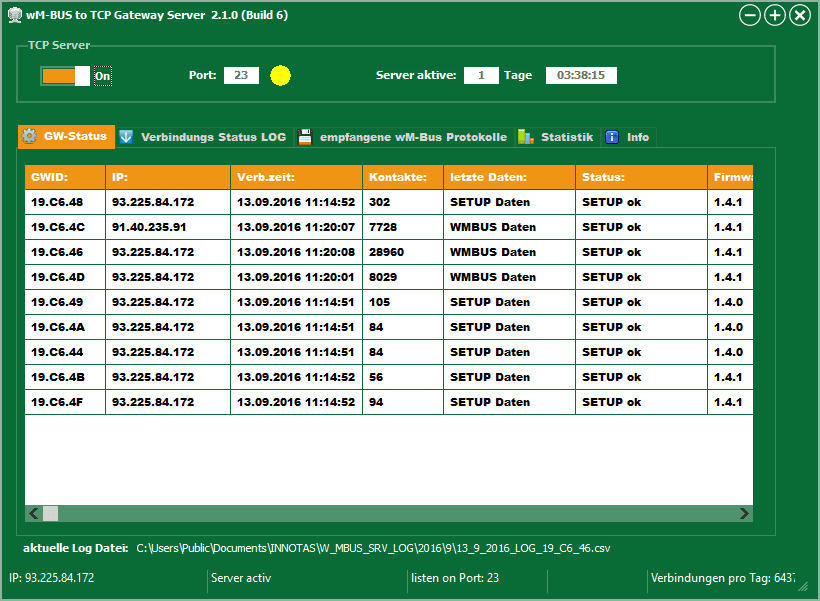
The wM-BUS server is a Windows PC program for handling wM-BUS protocols. wM-BUS Gateways to receive and systematically store for further processing. The individual gateways can receive a modified setup from the server or, if necessary, new software.


The received wM-BUS data is stored in CSV files containing the reception time and raw wM-BUS data. The wM-BUS protocols are neither decrypted nor interpreted. The Meter Device Commander can manage this received wM-BUS data, including decryption and processing into billable values.
wM-BUS Gateway
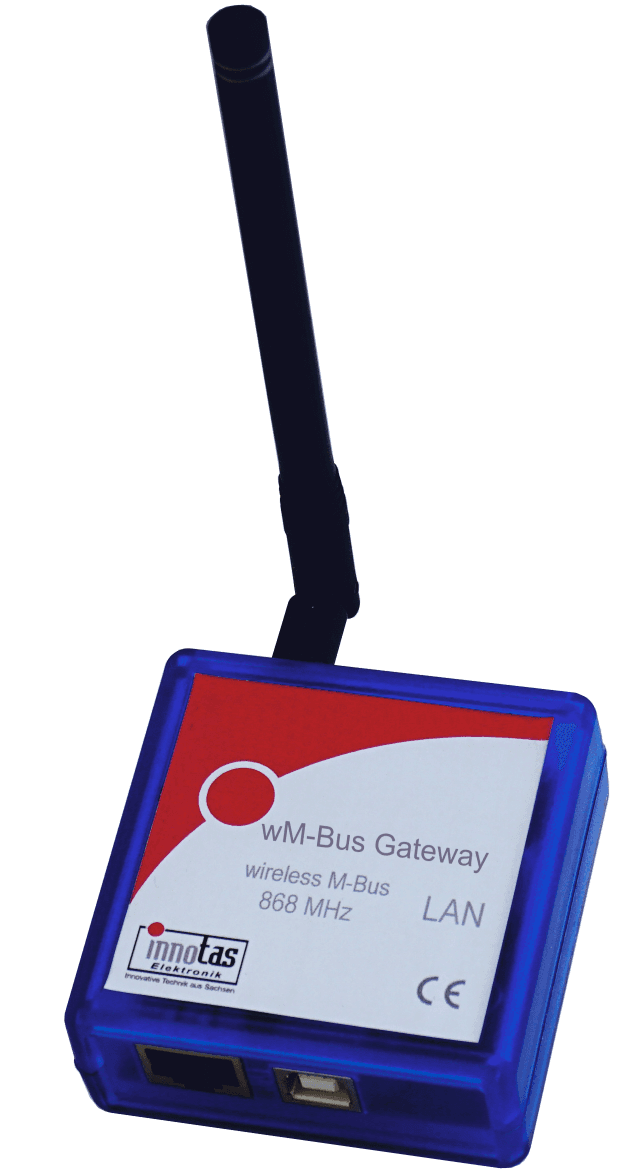
The wM-Bus Gateway receives wireless M-Bus protocols in T/C/S mode, filters them as needed, stores them temporarily, and sends them to a server via an IP connection.

The gateway does not have a mobile data connection. It only uses existing networks. The gateway is particularly suitable for stationary reception of wM-BUS protocols using an existing internet connection. Internet routers are usually already in place. In most cases, no changes need to be made to the router settings.
Simply plug the gateway into the router's USB port (optionally with a USB power supply) and connect it to the router with a network cable.

The gateway can optionally be parameterized via a website, USB interface or via the wM-BUS gateway server.
The received wM-BUS protocols can be pre-filtered in the device by manufacturer, medium code and/or by individual IDs.
The gateway sends the received and filtered data to the server either immediately, hourly, daily, or monthly.
The free "wM-BUS to TCP Gateway Server" can be used as the server, or an application developed by the user.
wM-BUS Gateway

The wM-Bus Gateway receives wireless M-Bus protocols in T/C/S mode, filters them as needed, stores them temporarily, and sends them to a server via an IP connection.


The gateway does not have a mobile data connection. It only uses existing networks. The gateway is particularly suitable for stationary reception of wM-BUS protocols using an existing internet connection. Internet routers are usually already in place. In most cases, no settings need to be changed on the router.

Simply plug the gateway into the router's USB port (optionally with a USB power supply) and connect it to the router with a network cable.


The gateway can optionally be parameterized via a USB interface or via the wM-BUS gateway server.

The received wM-BUS protocols can be pre-filtered in the device by manufacturer, medium code and/or by individual IDs.

The gateway sends the received and filtered data to the server either immediately, hourly, daily, or monthly.

The free "wM-BUS to TCP Gateway Server" can be used as the server, or an application developed by the user.

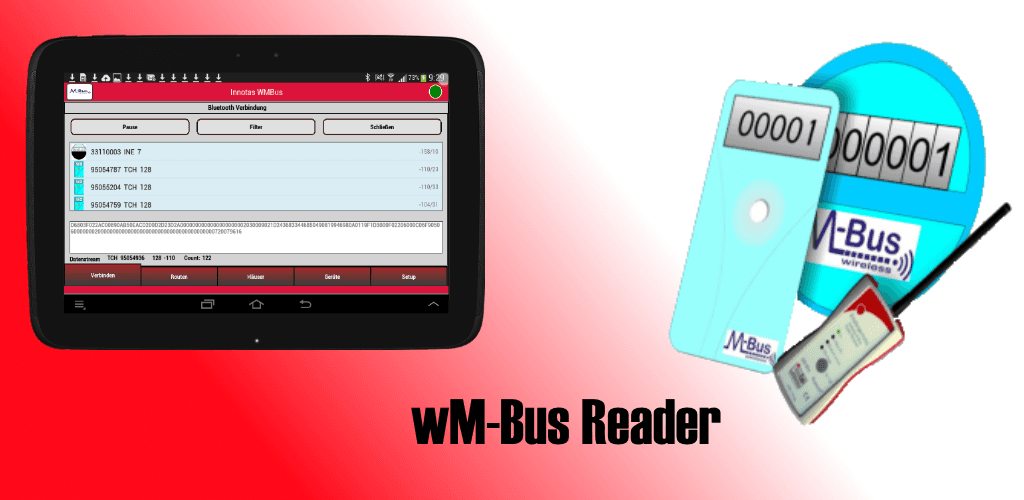
wM-Bus Reader, das Android App 

The Android app wM-Bus Reader is a powerful tool for mobile reading of wM-Bus devices. The app works with the

The Bluetooth/WM bus receiver from our company is included. The app runs on almost all mobile phones and tablets. The mobile device must have Bluetooth capability. Using the Meter Device Commander, the reading route is created and then sent to the user's smartphone, for example via email. The route file is then imported into the app.

The reader processes the route list and receives acoustic and visual feedback on the processing status.


Once all data has been successfully collected, it can be sent from the app to headquarters via email.

The data can then be read into the MDC.

The MDC decodes and decrypts the data and can export it in a formatted form for further processing in a billing program.

The Android app does not require AES keys. The management and use of AES data takes place exclusively within the MDC.